Activity # 16 : Documentation Of Activity # 15
The first thing I did was to create a project in Firebase called "Angular Components." I set it up so that it could work as the backend for my Angular project, making sure it could handle things like hosting, authentication, and the database. This step was important for connecting Firebase with my Angular components properly.
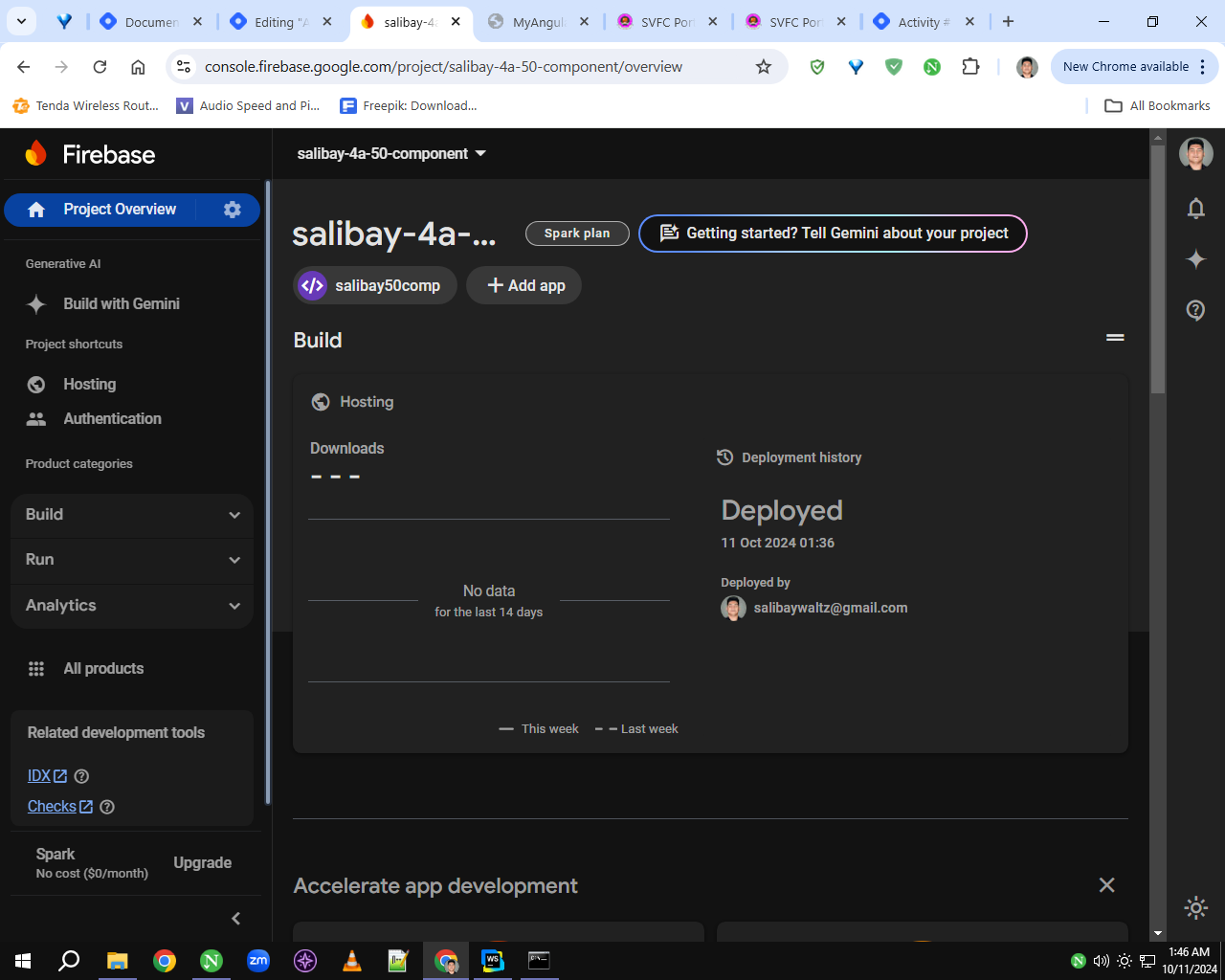
my project name is salibay-4a-50-component
The next thing I did was set up Firebase hosting. I configured it so that my project could be deployed online, making it easier to share and access through a web link. This step ensured that my Angular project could be hosted on the web using Firebase’s hosting service.
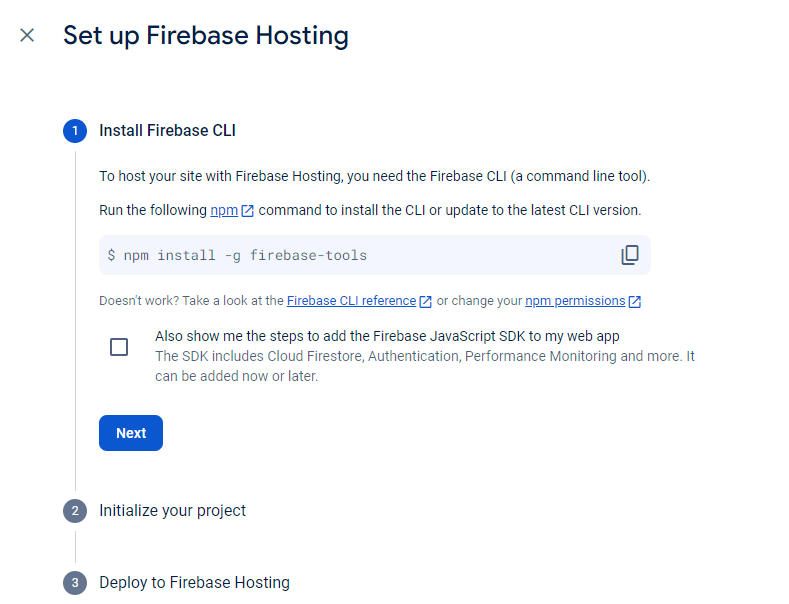
The next step was to open the folder I created for Activity #8. After that, I opened the command prompt and started typing the necessary commands to set up and run the project.
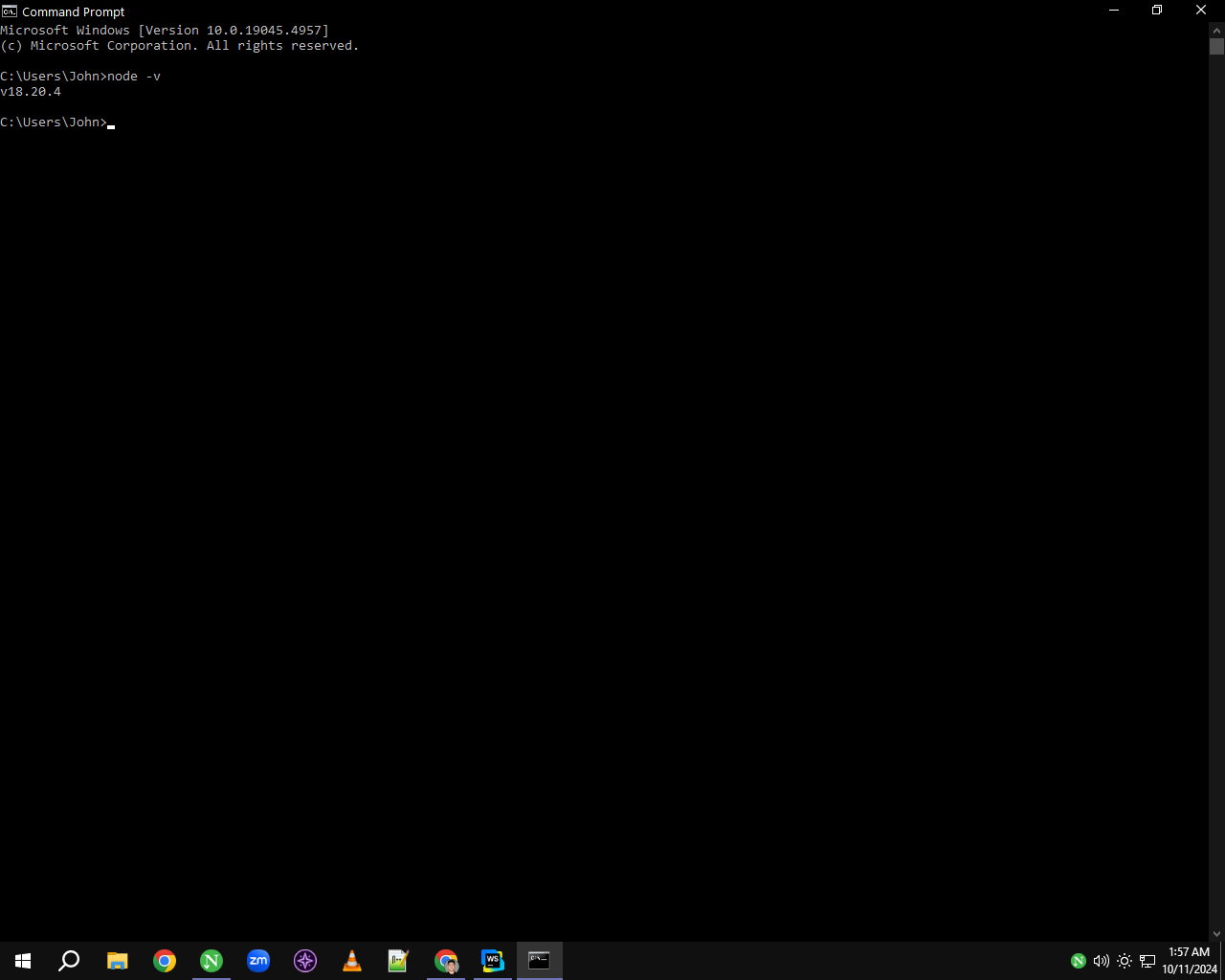
The next step was to copy the command provided by Firebase Hosting and paste it into the command prompt. This allowed me to link my project to Firebase Hosting and start the deployment process.
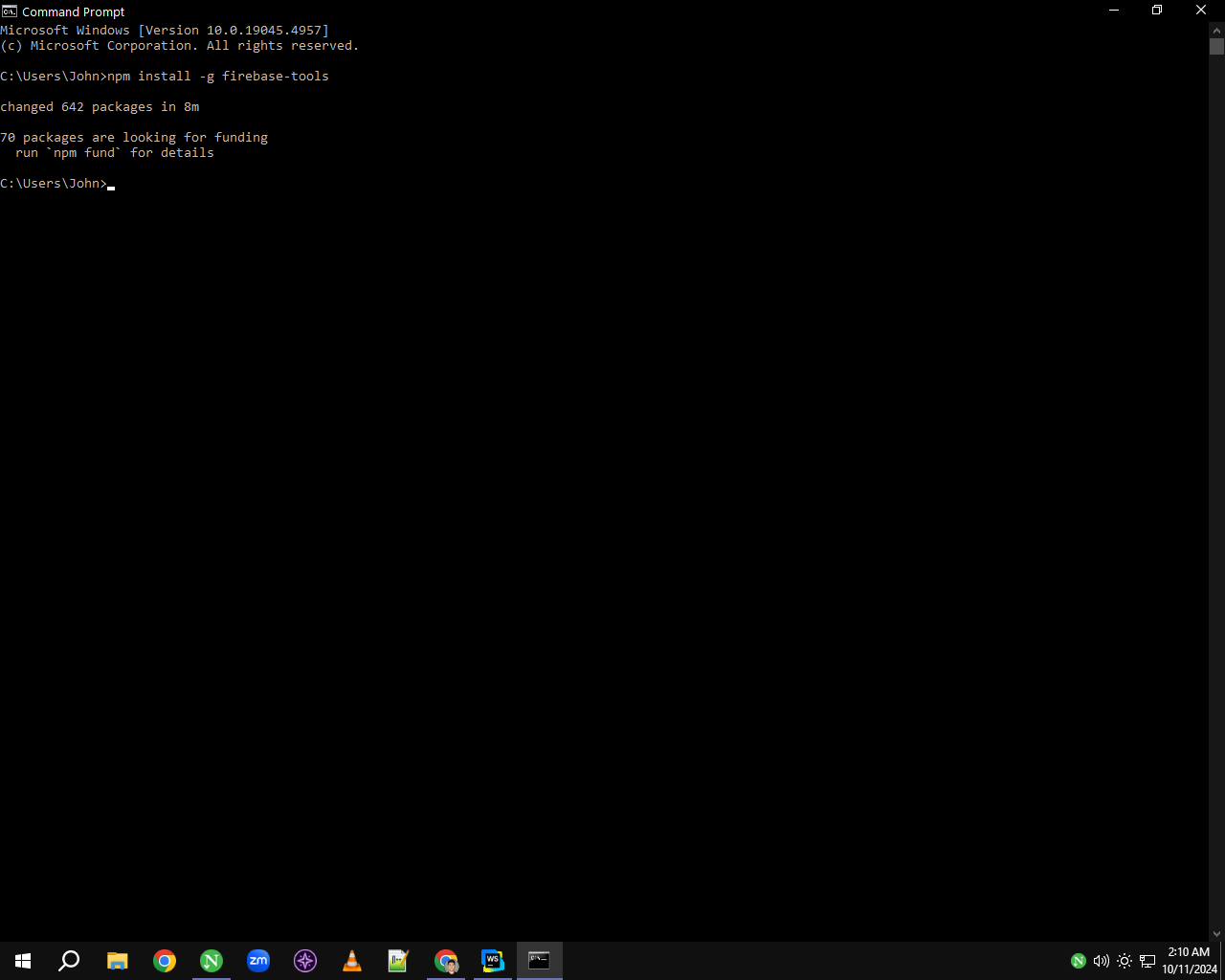
Next, I used the command firebase login to sign in to my Firebase account through the command prompt. This step connected my project to my Firebase account, allowing me to manage and deploy it easily.
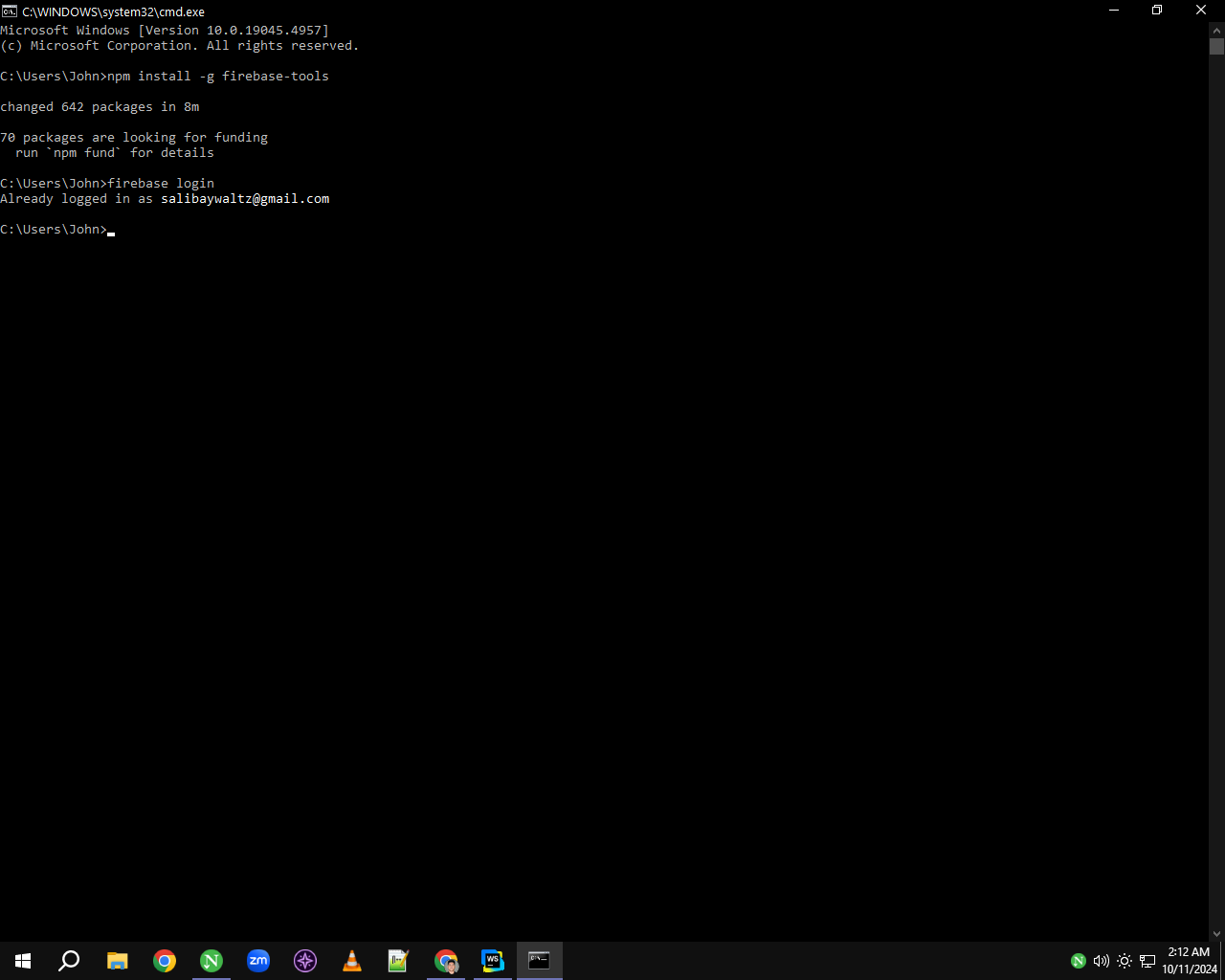
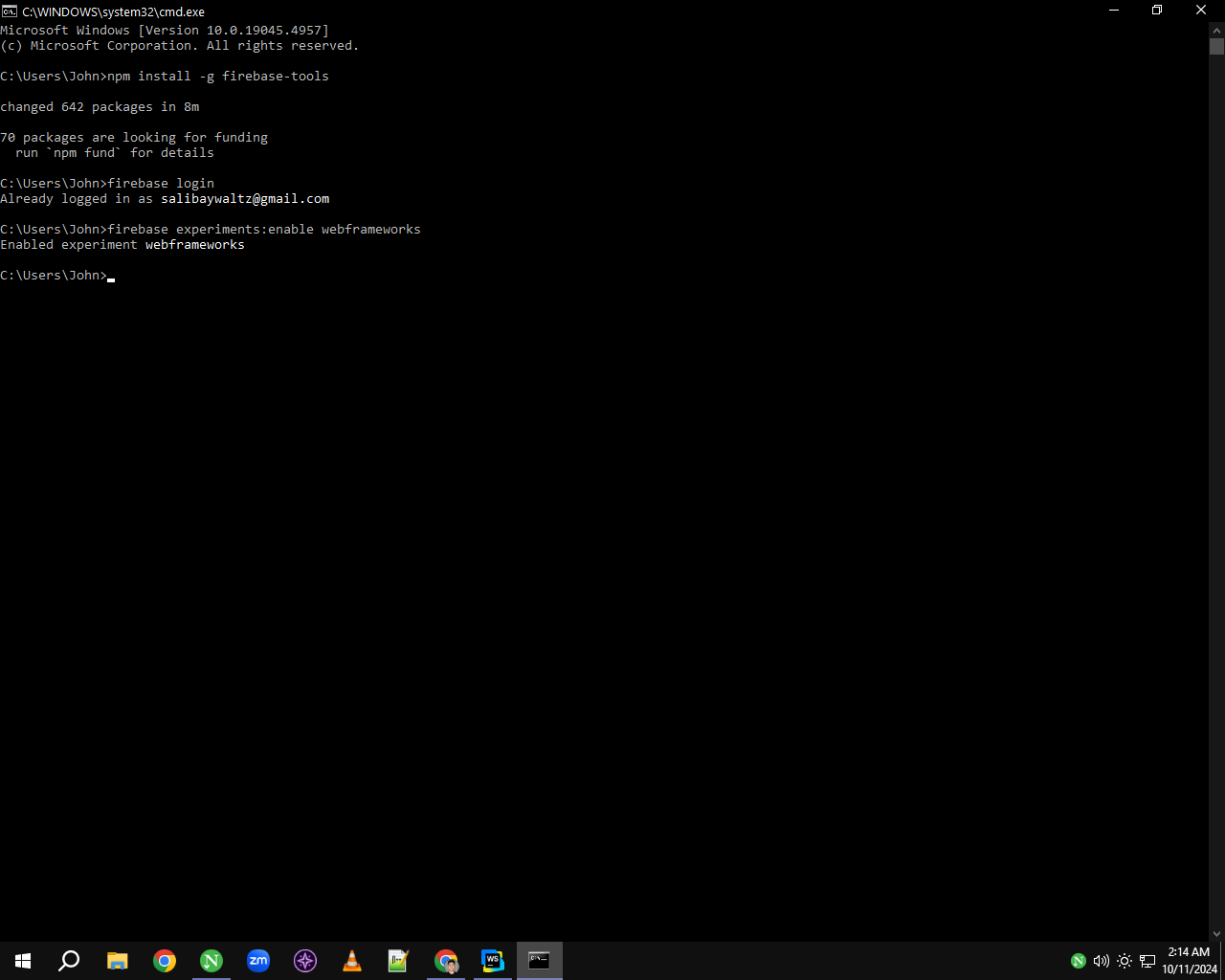
After that, I ran the command firebase experiments to enable experimental features in Firebase. This allowed me to access and test new features that are still in development or not fully released yet.
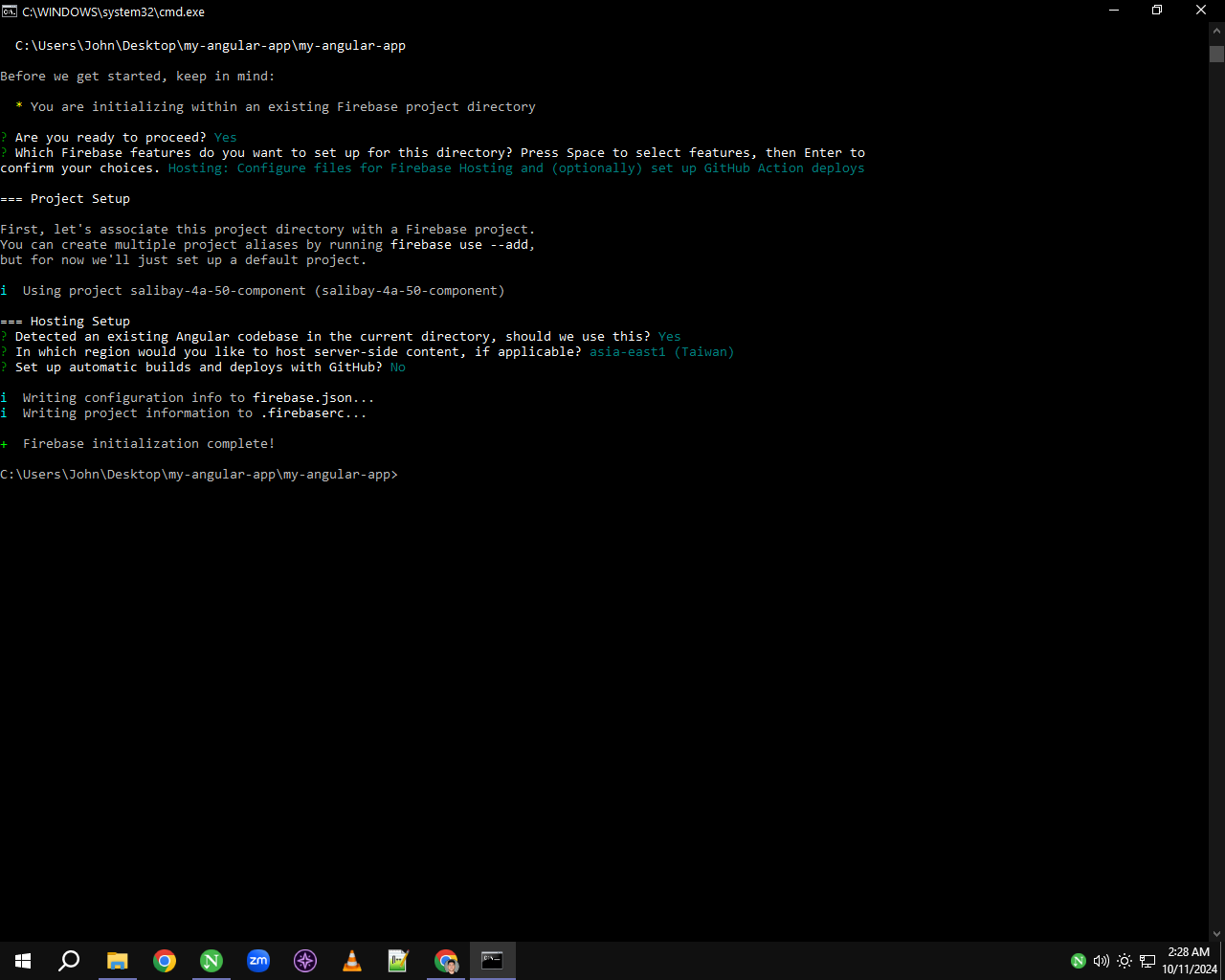
The next thing I did was run the firebase init command. This initialized Firebase services in my project, allowing me to choose the features I wanted to use, such as hosting and database options, and set up my project for deployment.
Finally, I ran the firebase deploy command to upload my project to Firebase. This step published my Angular app online, making it accessible through the Firebase hosting service.
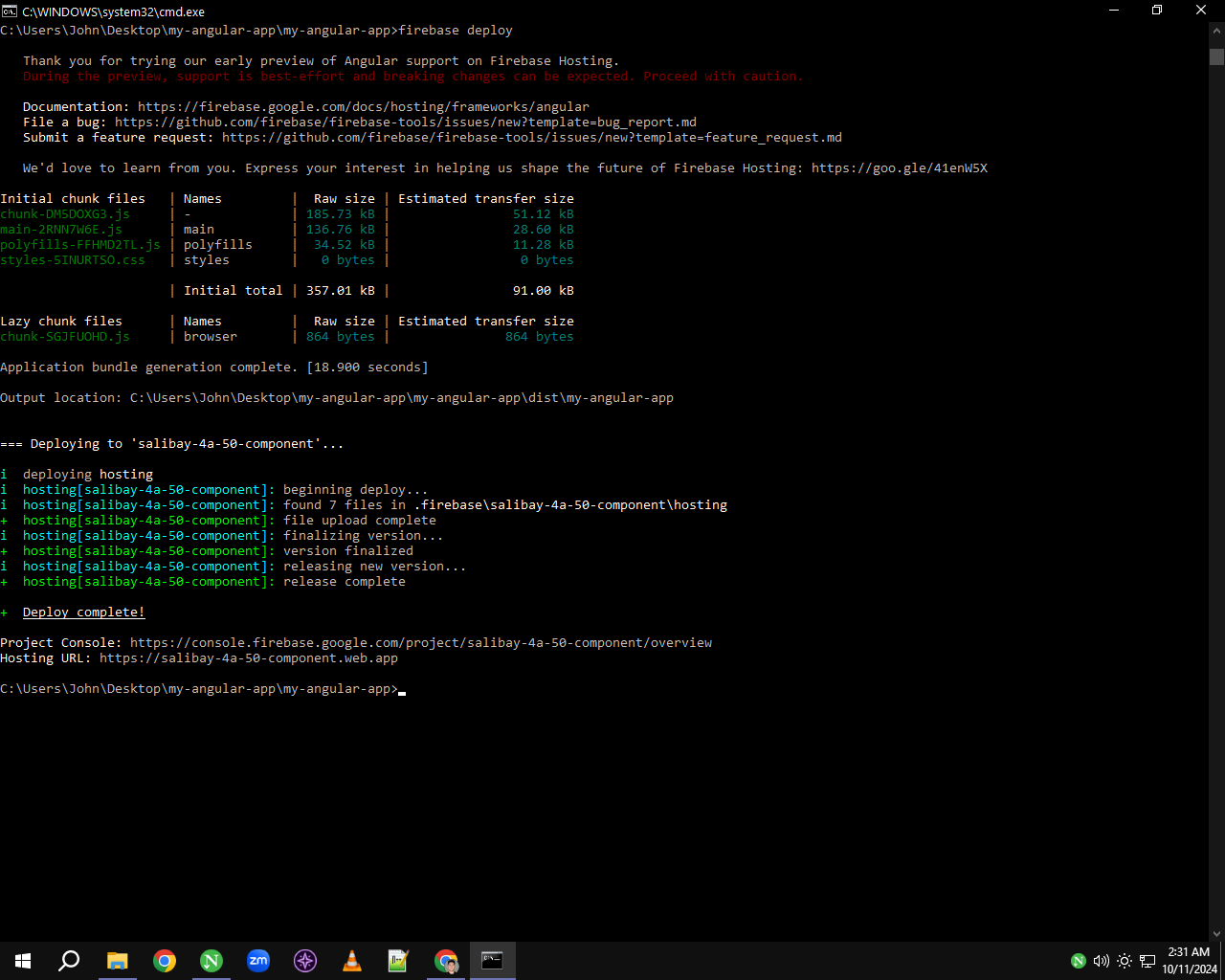
And then I received the hosting URL, which provided a link to access my deployed Angular app online. This URL allows anyone to view the project directly in their web browser.