Activity #8 : Getting Started with Angular
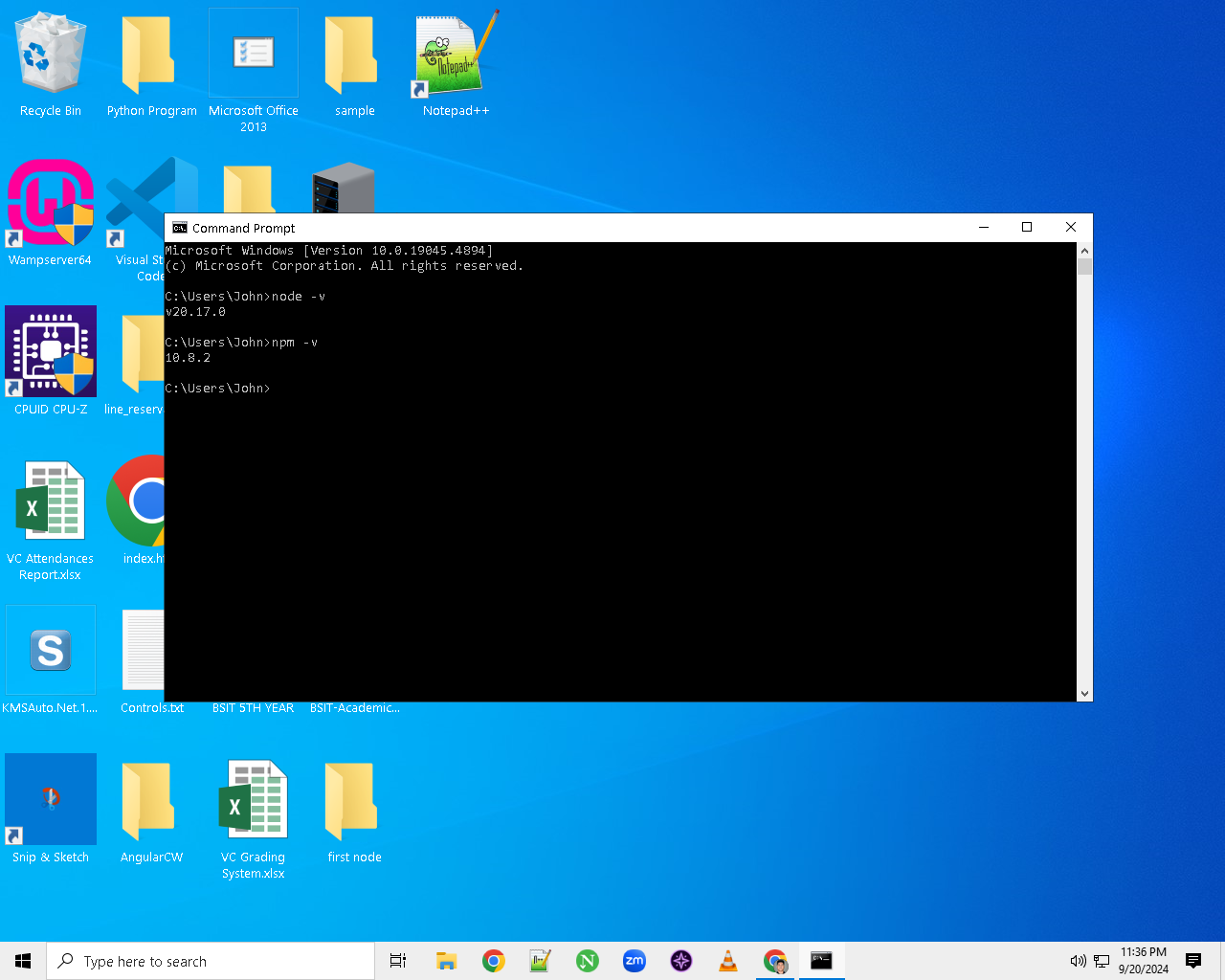
Step #1 - Run Command Prompt as Administrator and check your node and npm versions.
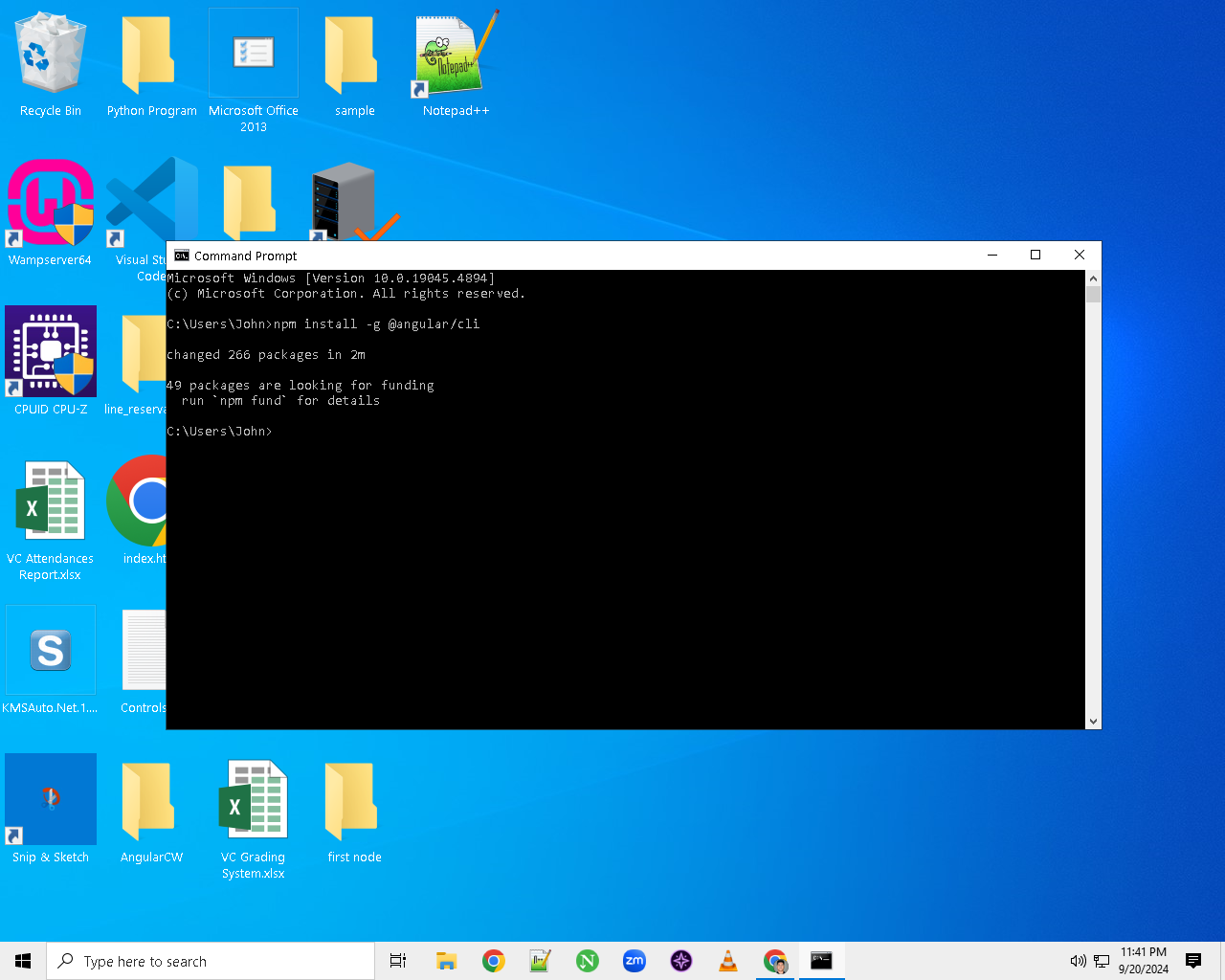
Step #2 - Install Angular cli
Step #3 - Make a folder where we can save our Angular App

Step #4 - Now you can use a normal Command Prompt and Go to the folder where we will save our Angular App
Step #5 - Use the command ng new nameoftheapp or ng new my-angular-app to make the angular files or app and choose which stylesheet you want using arrow keys and choose whether you want or not to enable Server-Side Rendering and Static Site Generation
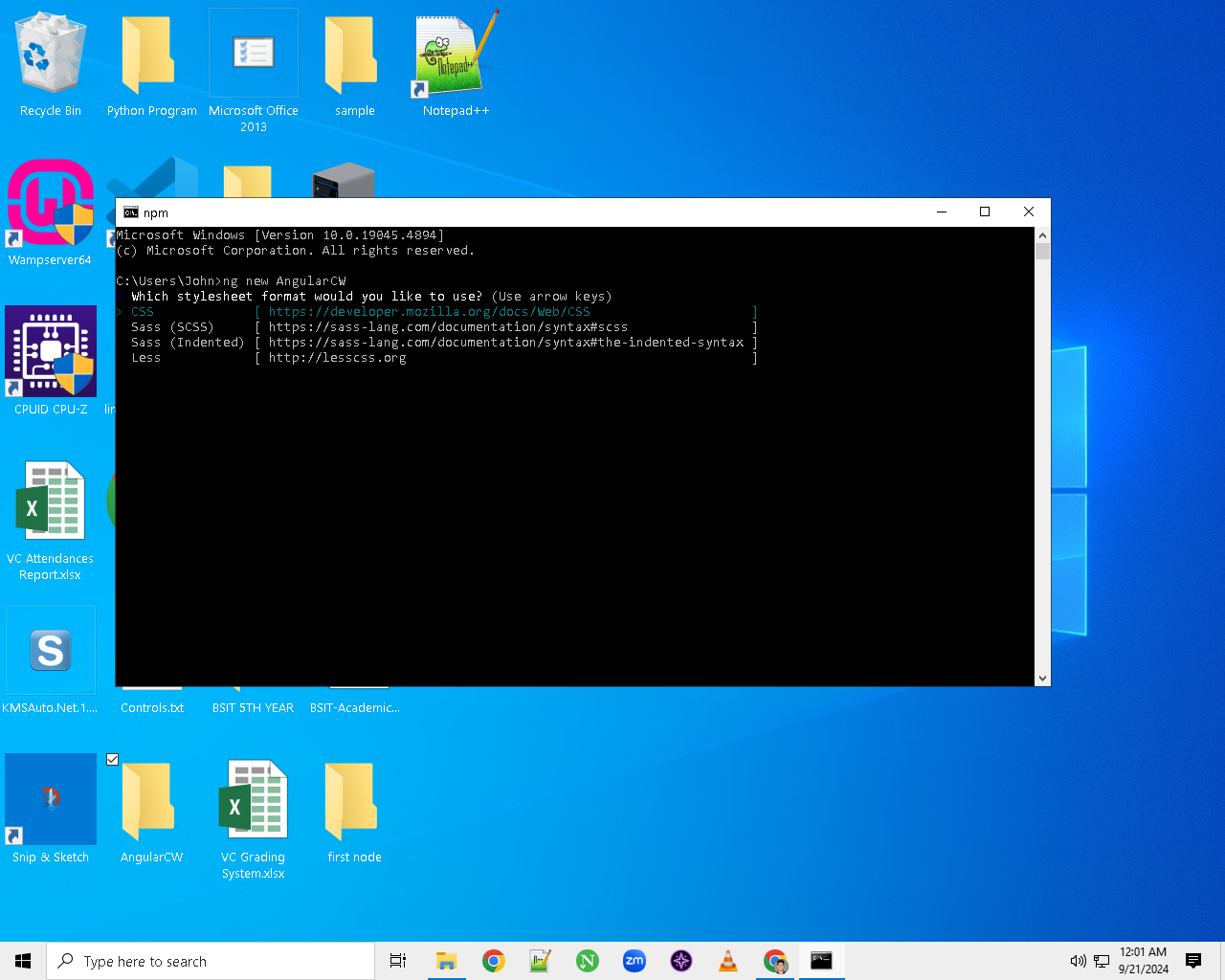
Step #6- Install all the npm packages and open the files using ide or text editor
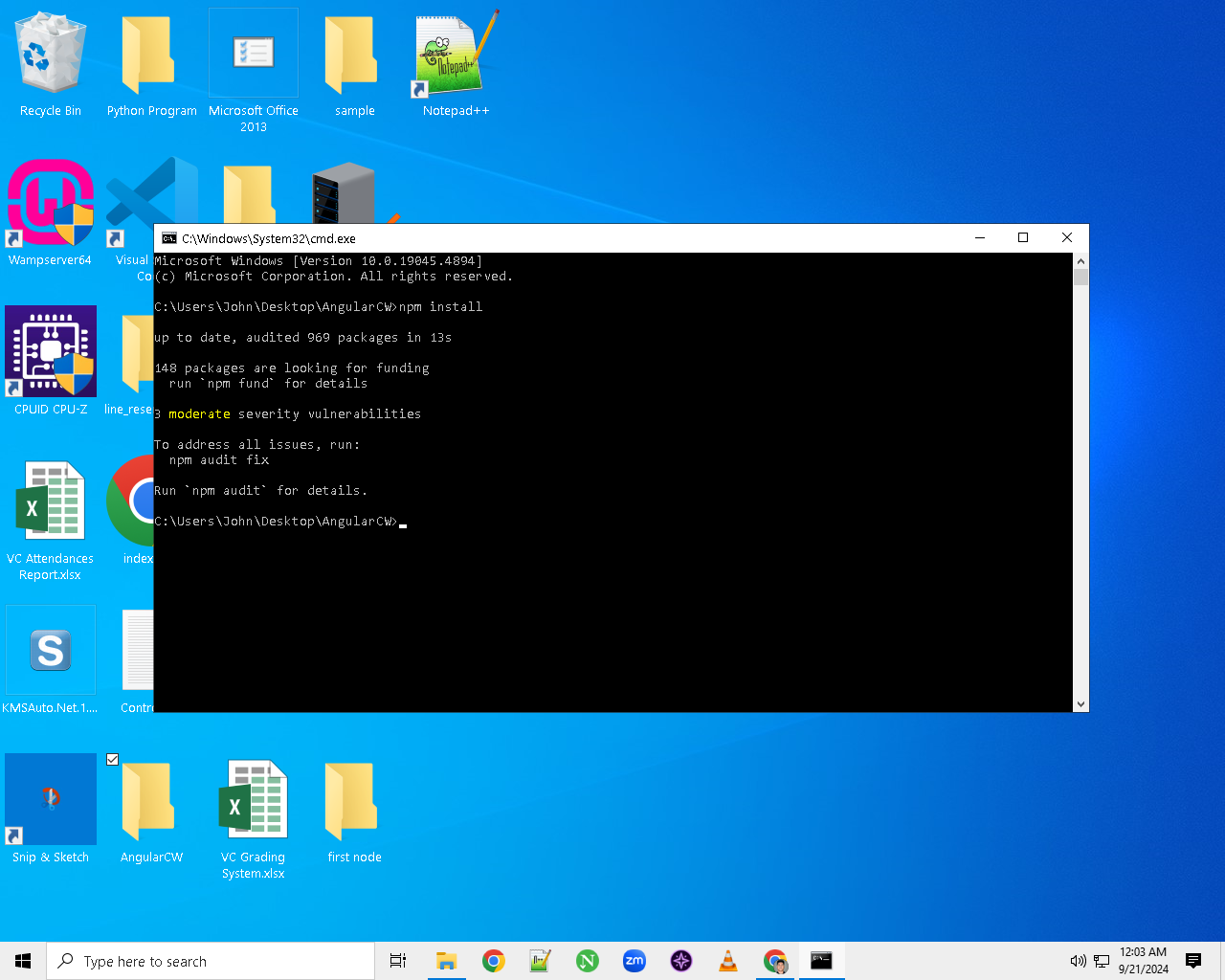
Step #7 - Now go back to the Command Prompt where our Angular Files or App is save and use ng serve command to run the Angular App and copy the localhost link server that will show in the Command Prompt and paste it in the Browser and enter to run the app
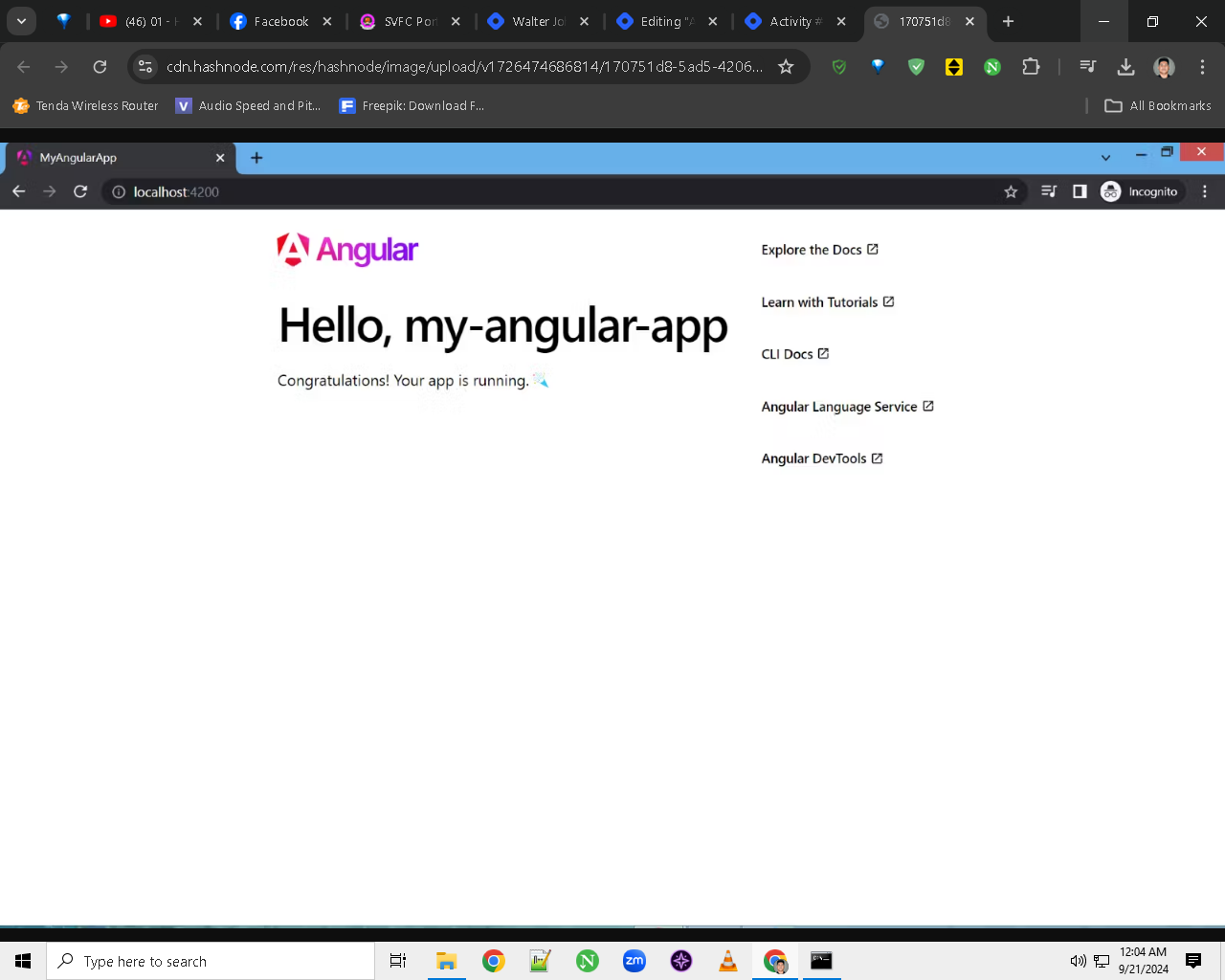
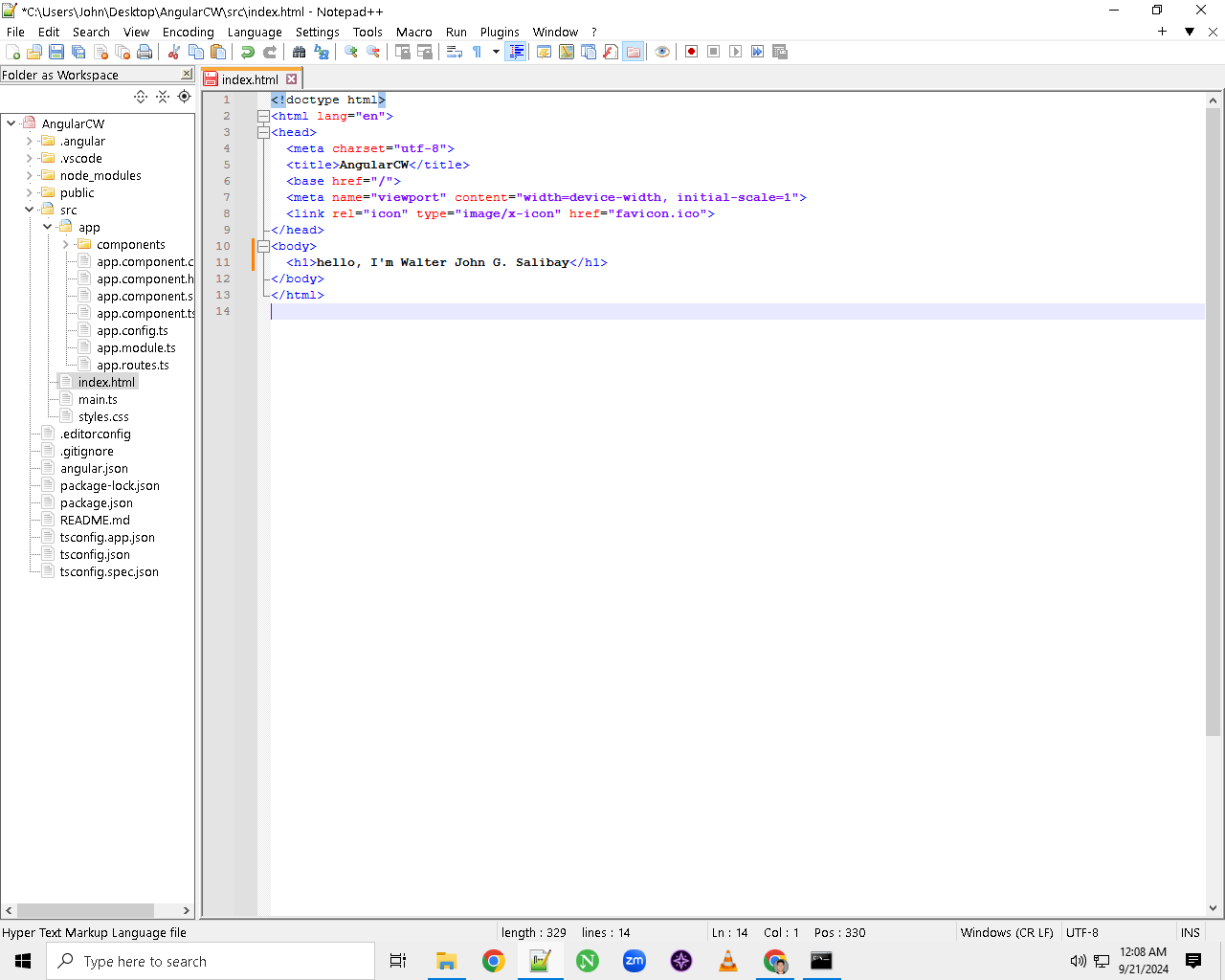
Step #8 - Now go to the files and click src folder and find index.html and delete the <app-root></app-root> body tag so that the contents of the angular will be deleted
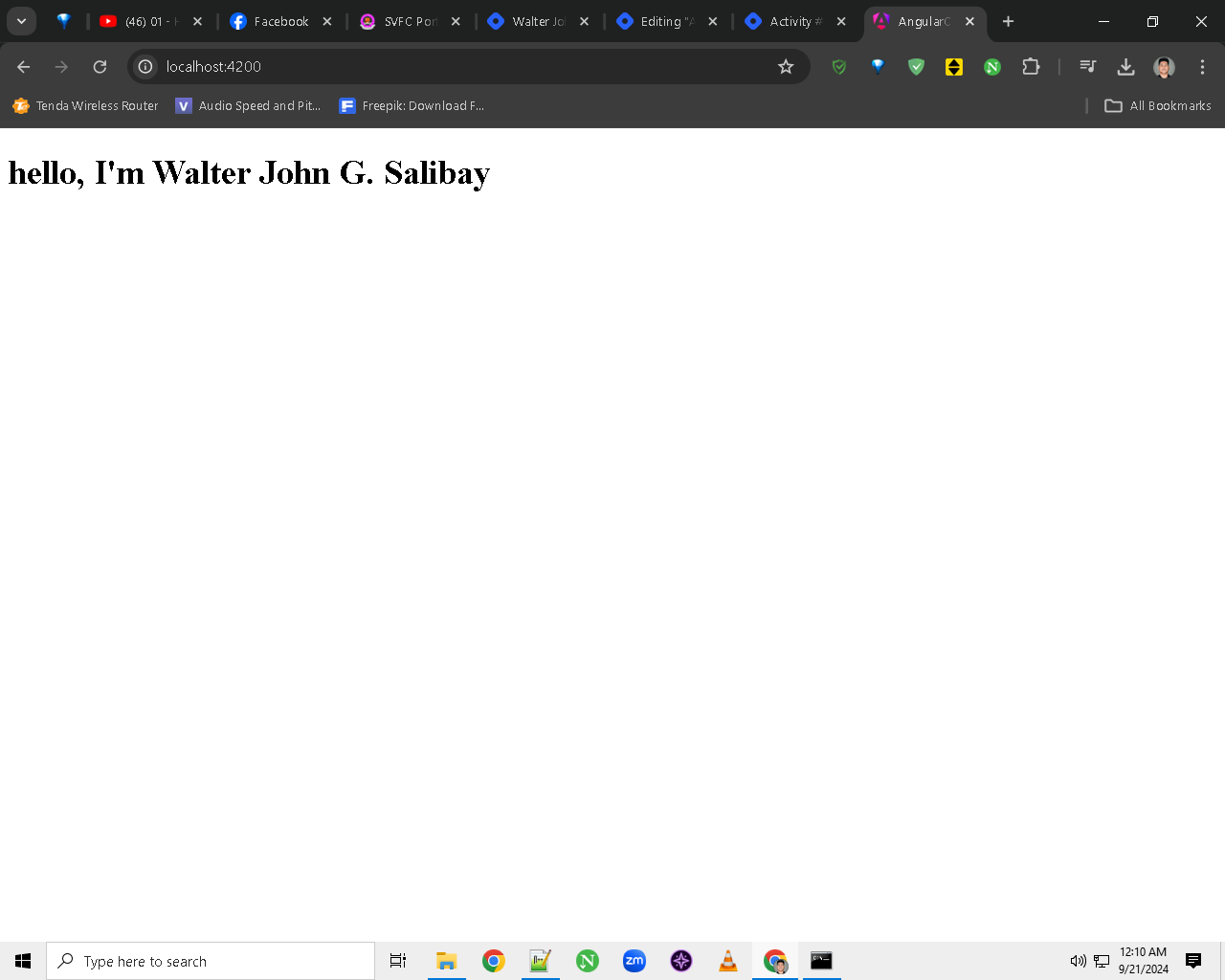
Step #9 - Now refresh the browser to see the result
Repository link : https://github.com/WalterJhonSalibay/AngularBasicRouting