Angular Basic Routing
Activity #9 Angular Basic Routing
Go to GitHub and create a new repository and
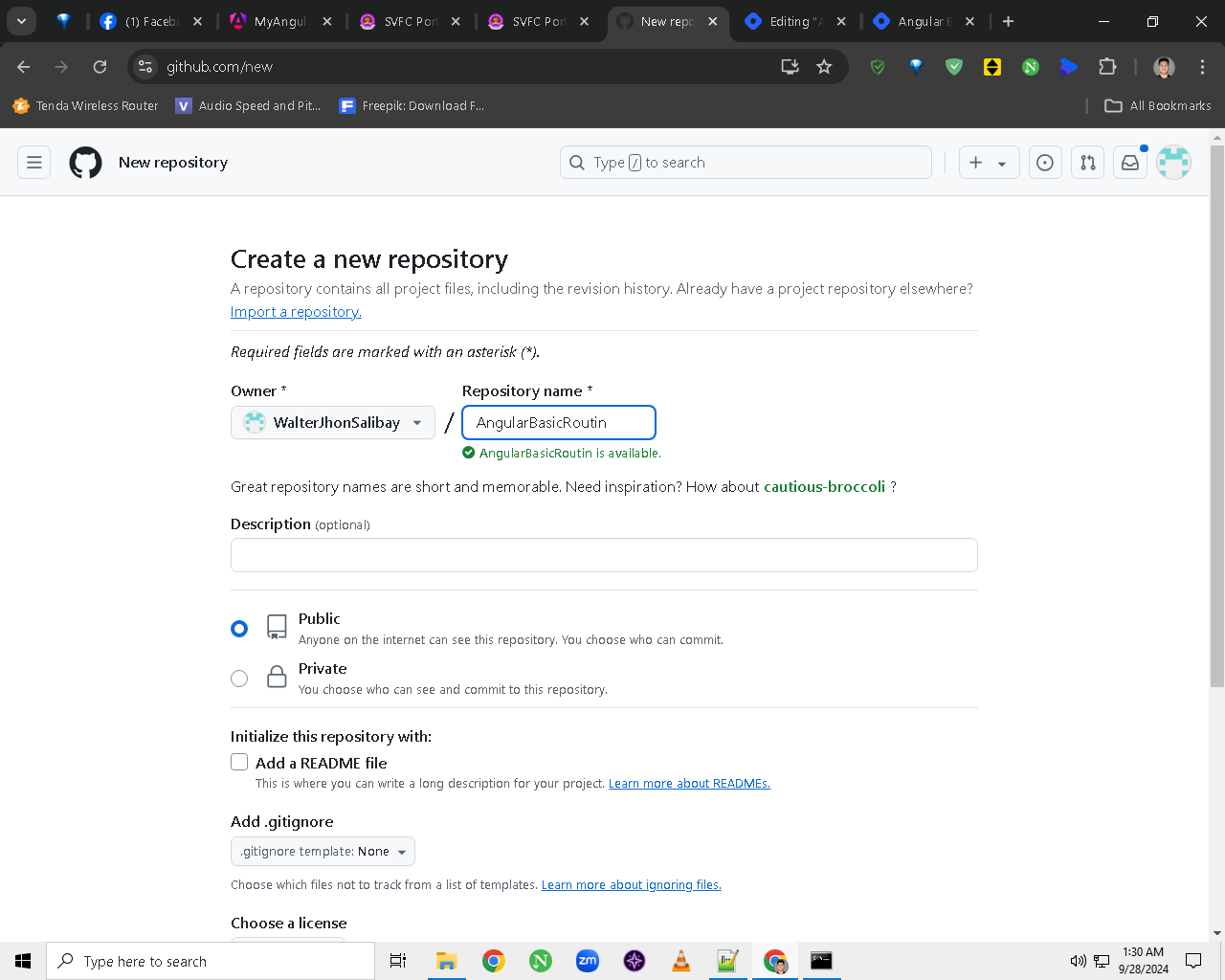
name it “AngularBasicRouting“
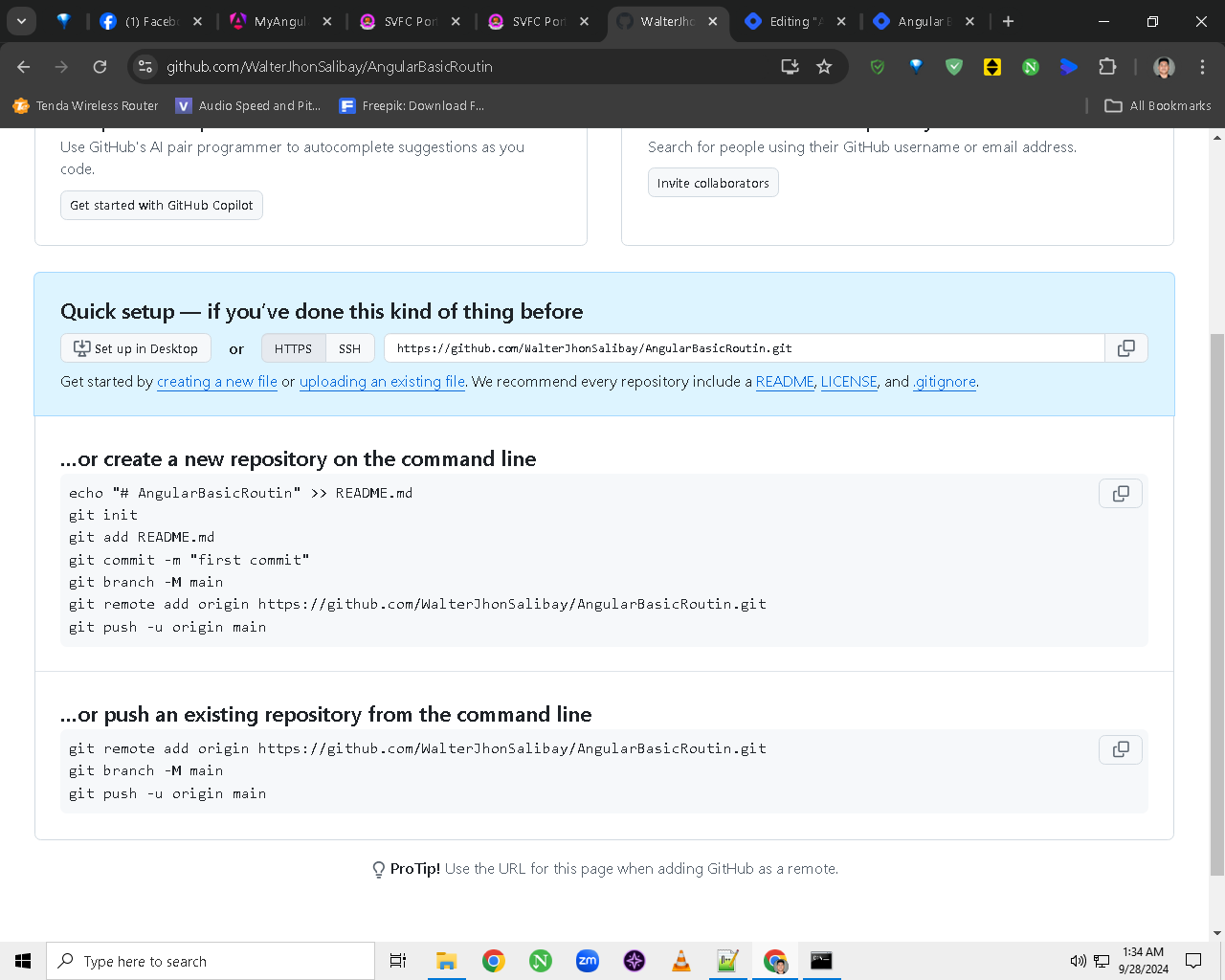
So I’m going to create the four components of the basic routing in angular cli which is the
login
sign-up
homepage
landing page
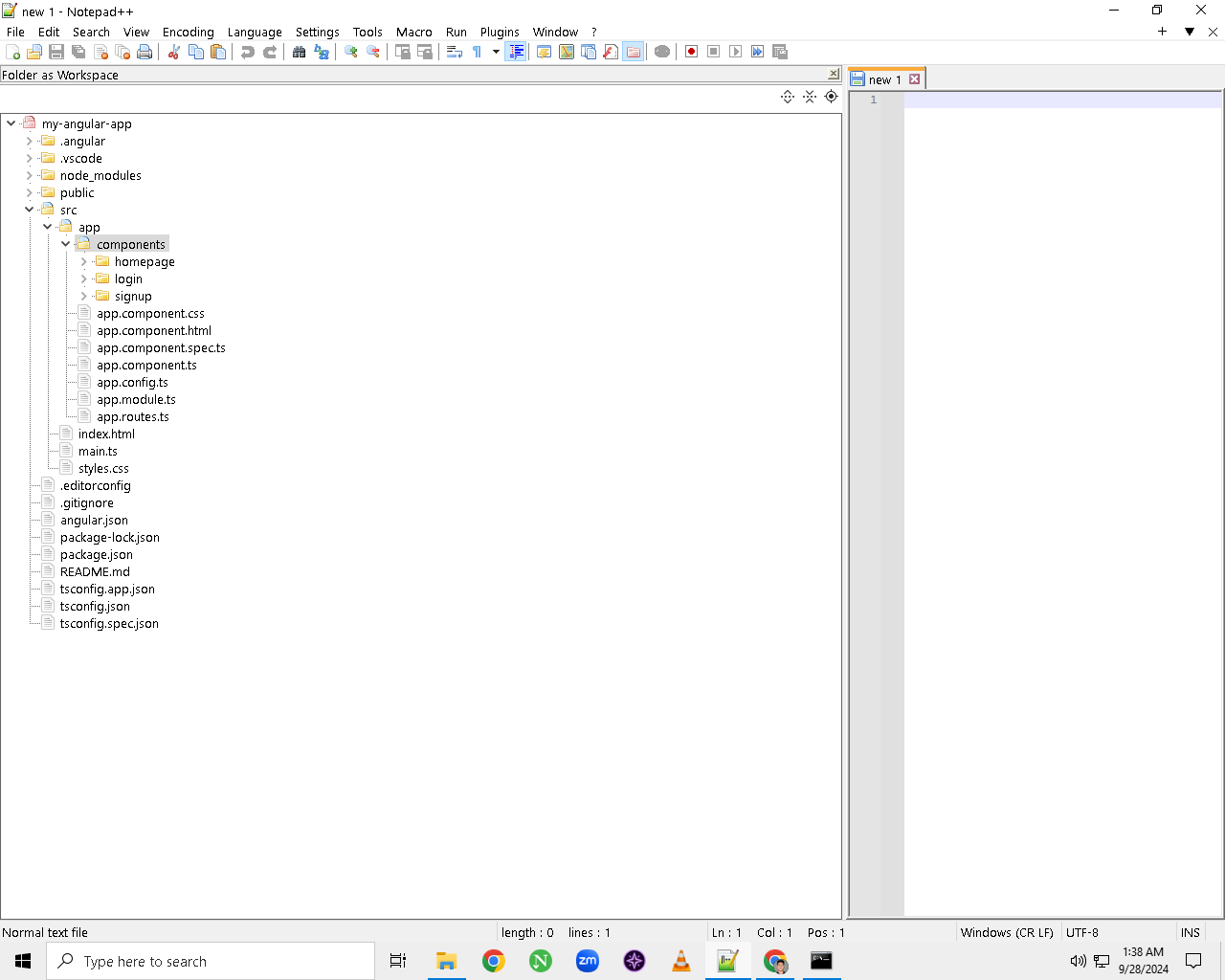
STEP 1: Create a folder named “components“ on the “app” section
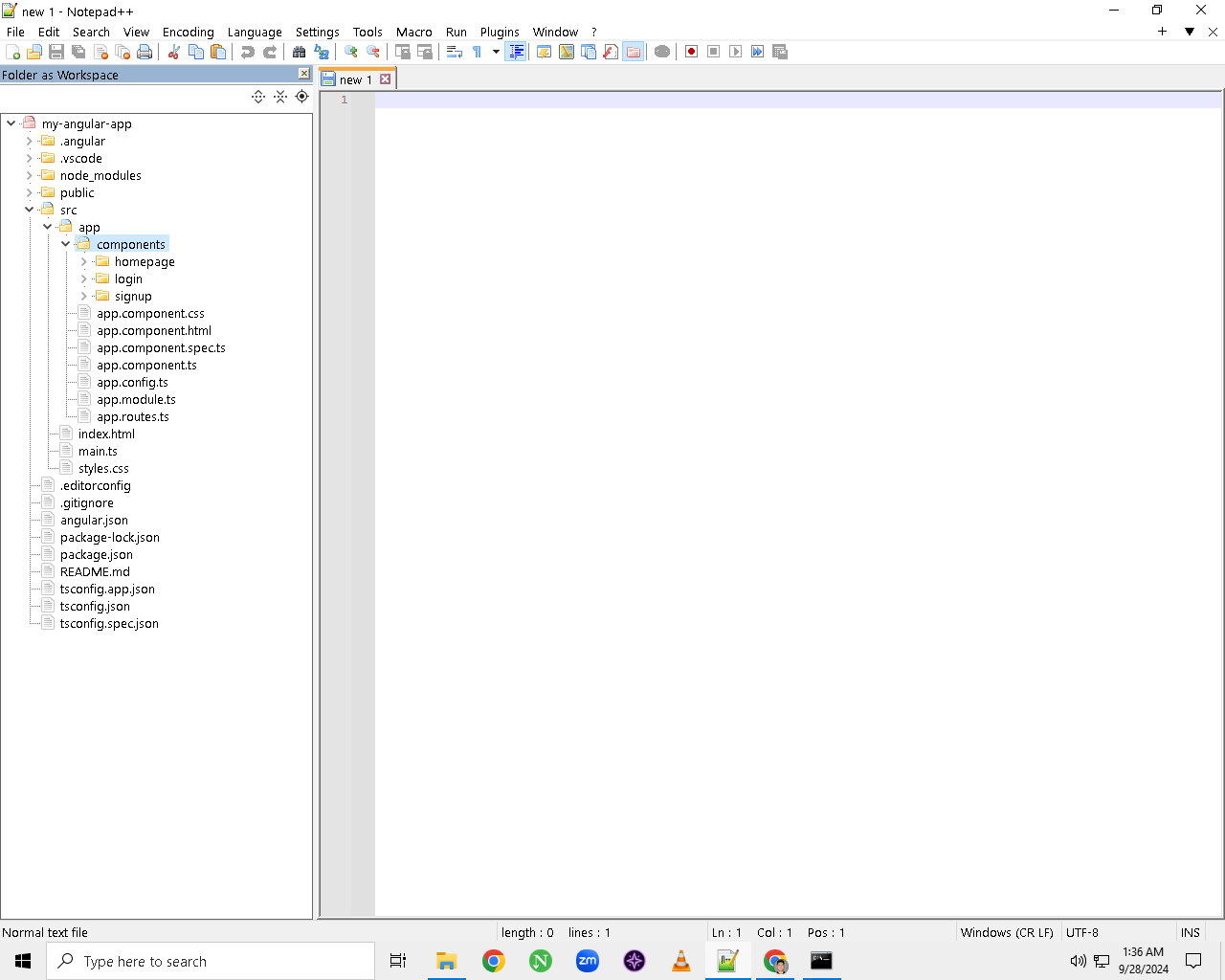
STEP 2: Generate 4 Components
You can generate components using the Angular CLI command in the “cmd“ or the in “webstorm” terminal
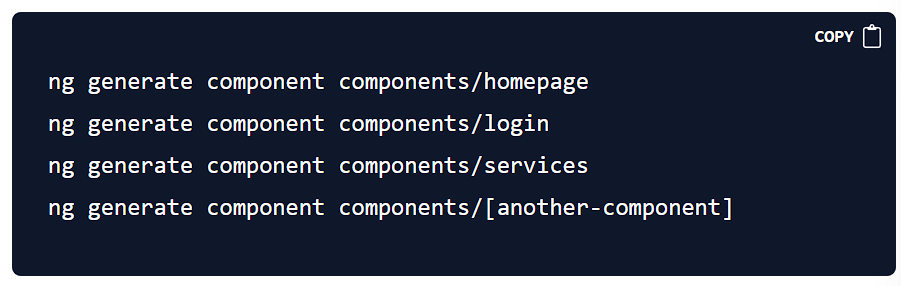
These commands will create the necessary files for each component in the
componentsfolder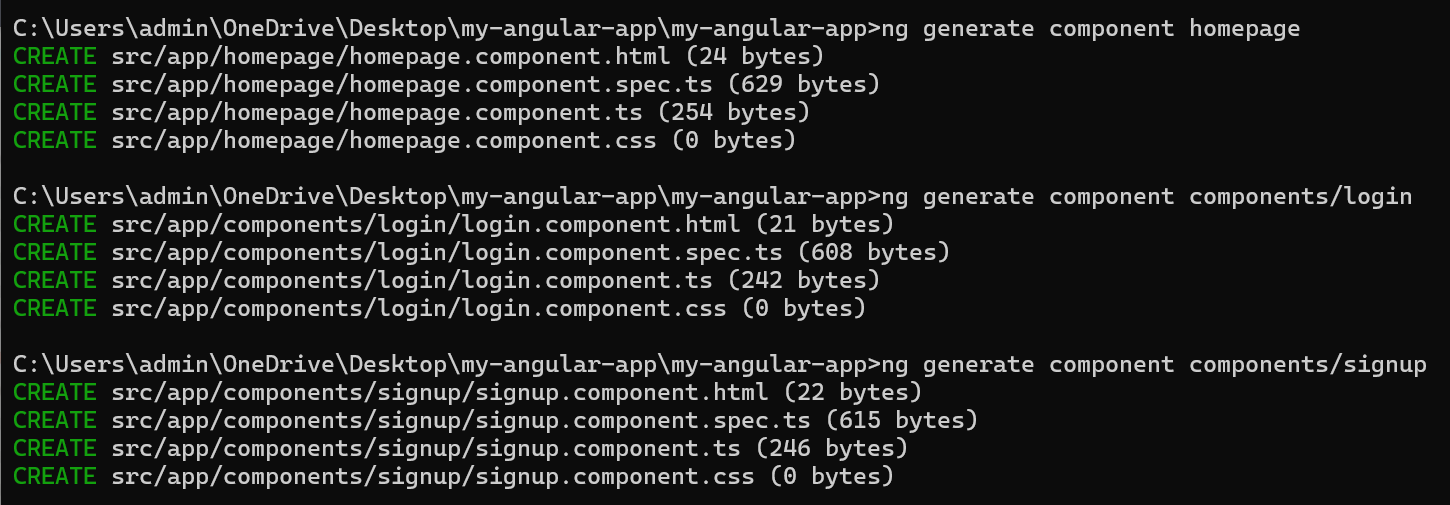
STEP 3: Add
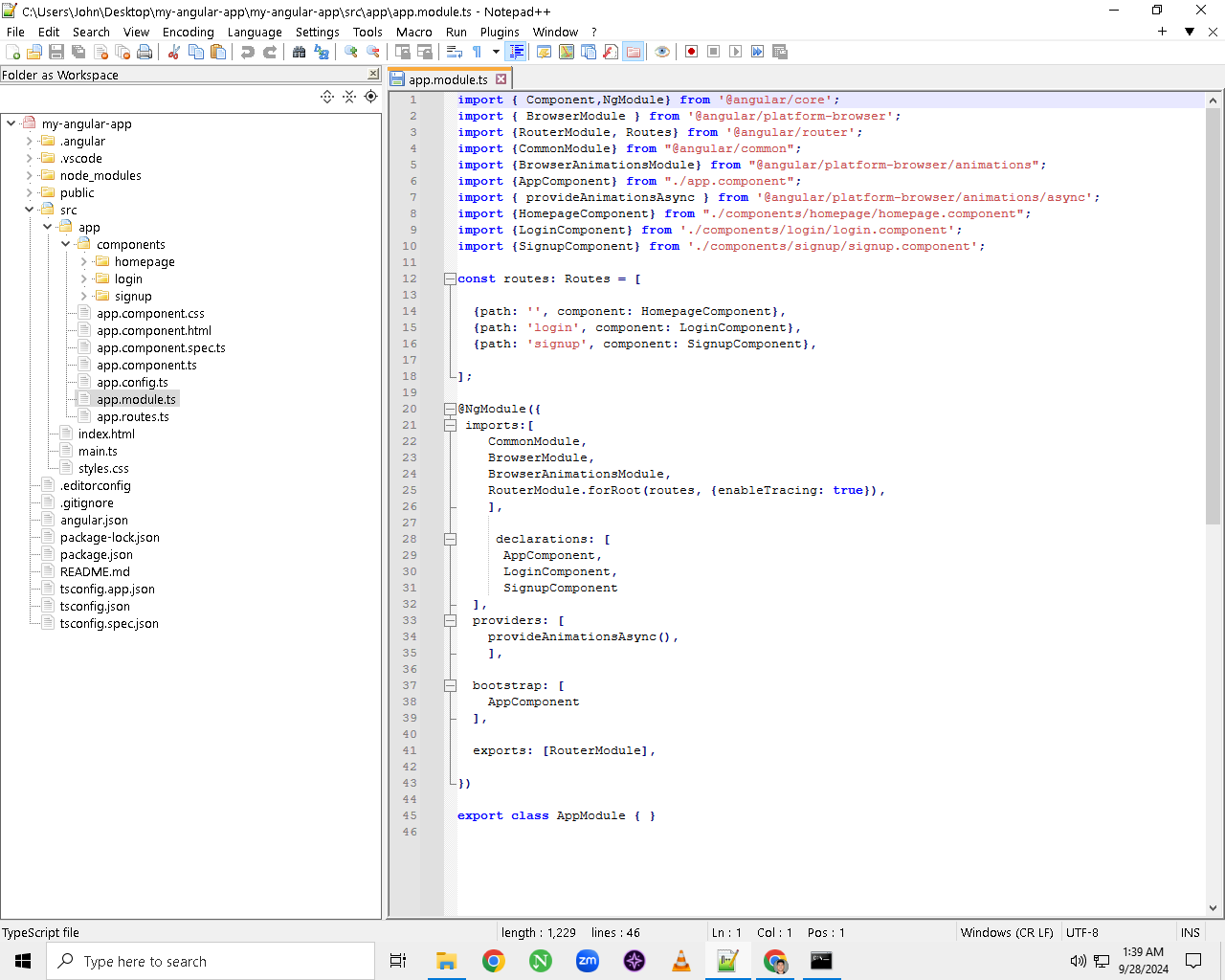
app.module.ts- So that we could ensure the
app.module.tsfile is set up to include the necessary imports for routing, form handling, animations, and the components. Follow the provided structure in your example
- So that we could ensure the
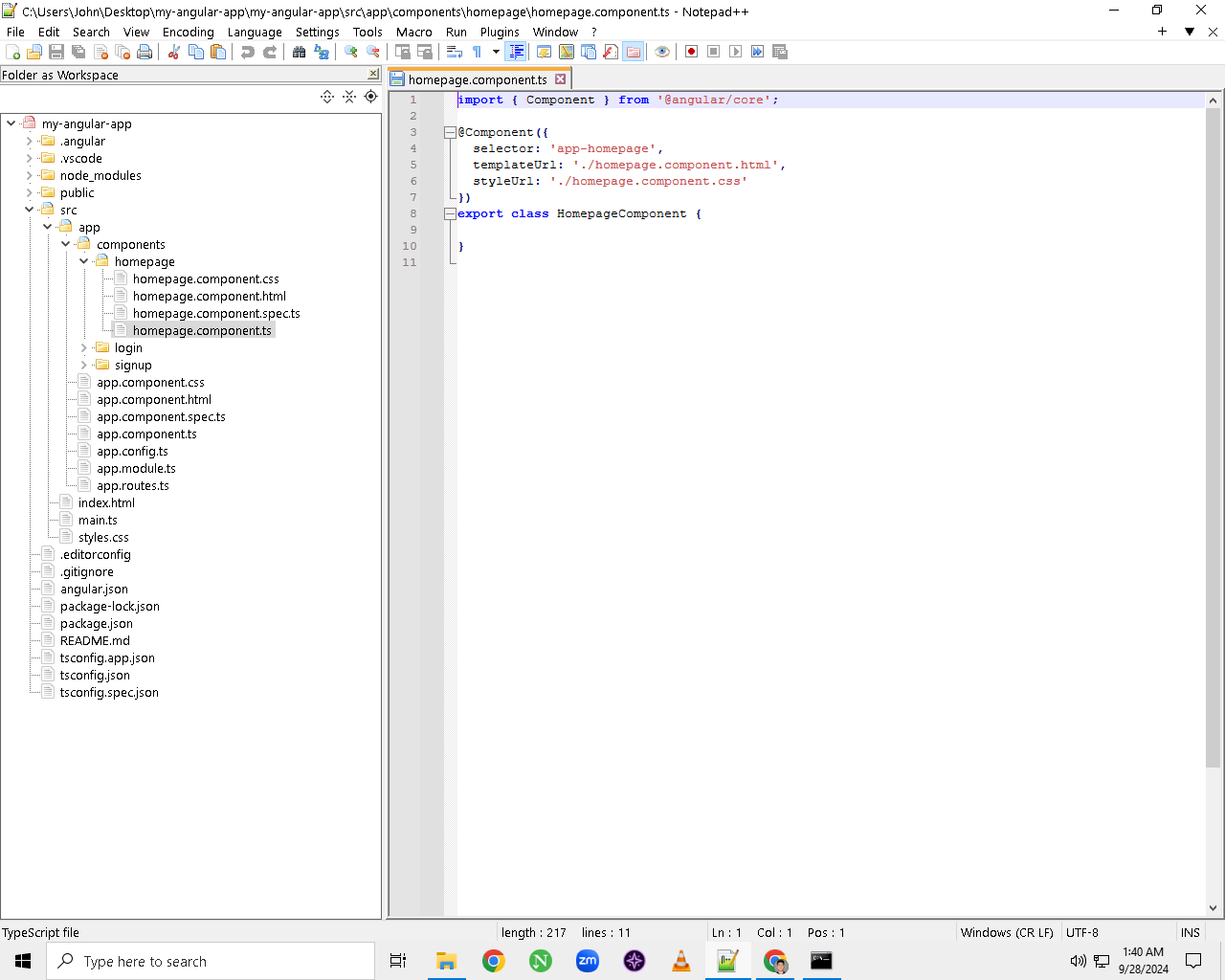
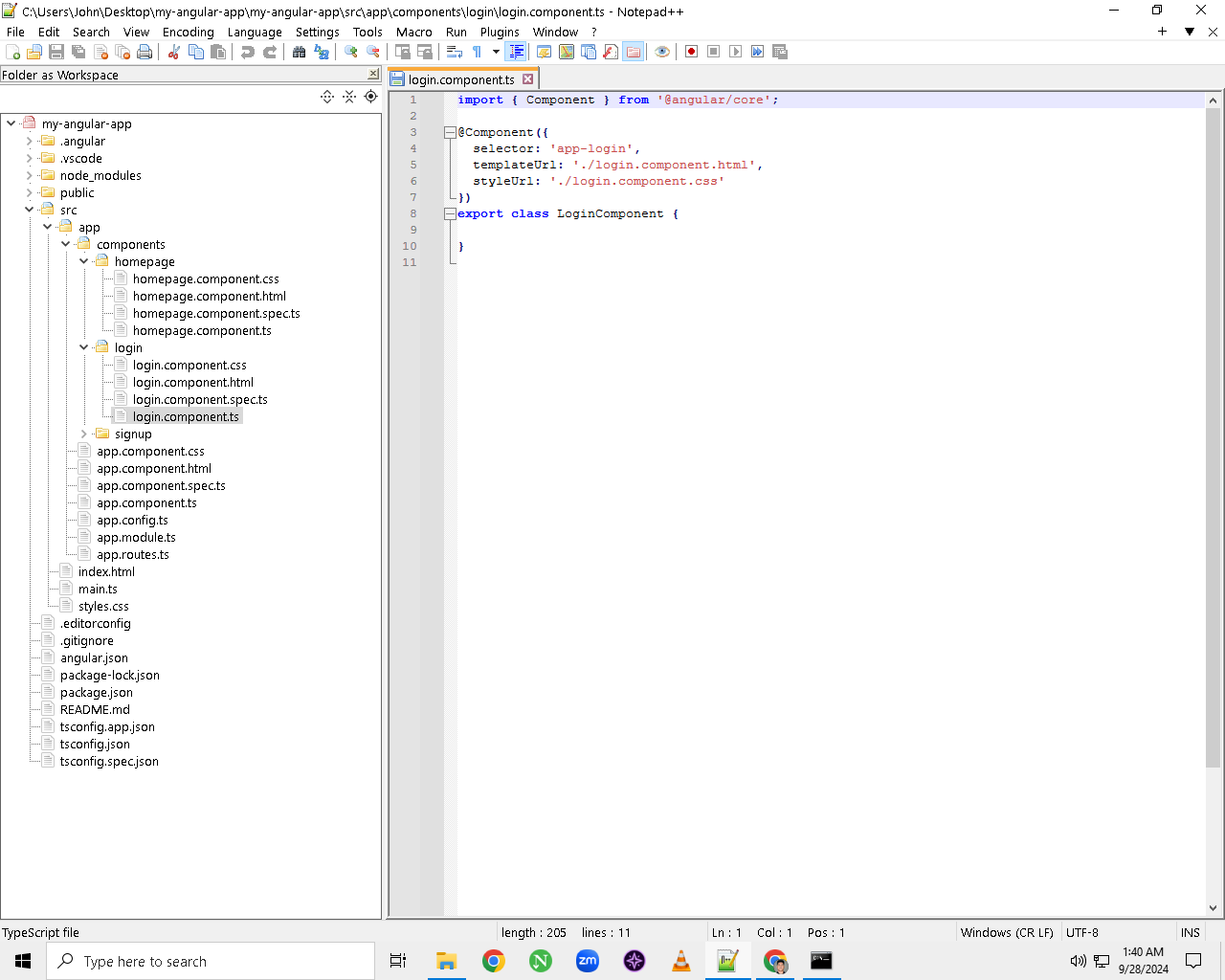
STEP 4: Remove the standalone: true and imports: [] from all components (homepage, login, signup) including app.components.ts
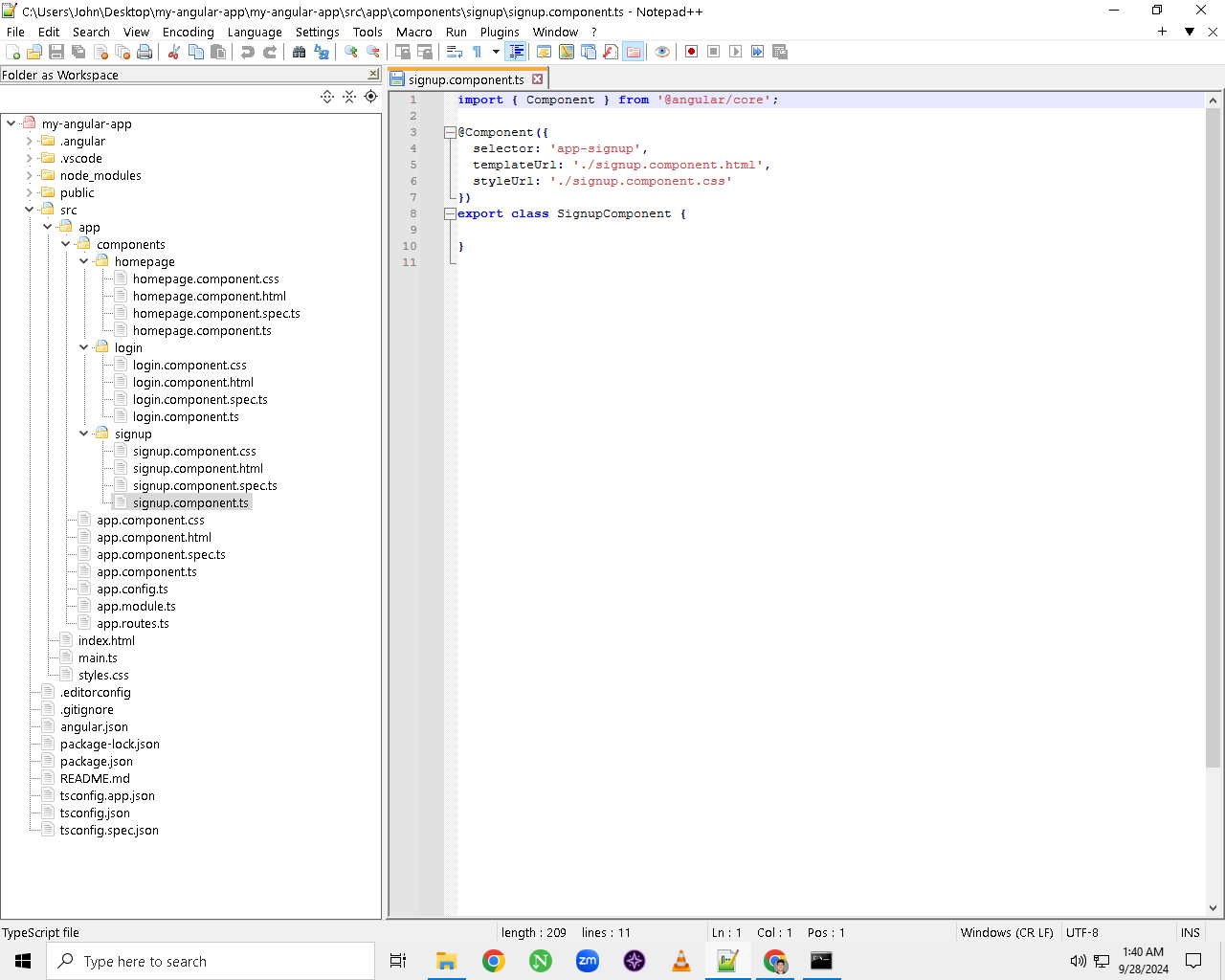
STEP 5: Update the
main.tsEnsure that
main.tsbootstraps (starts) the application with theAppModuleas shown in the example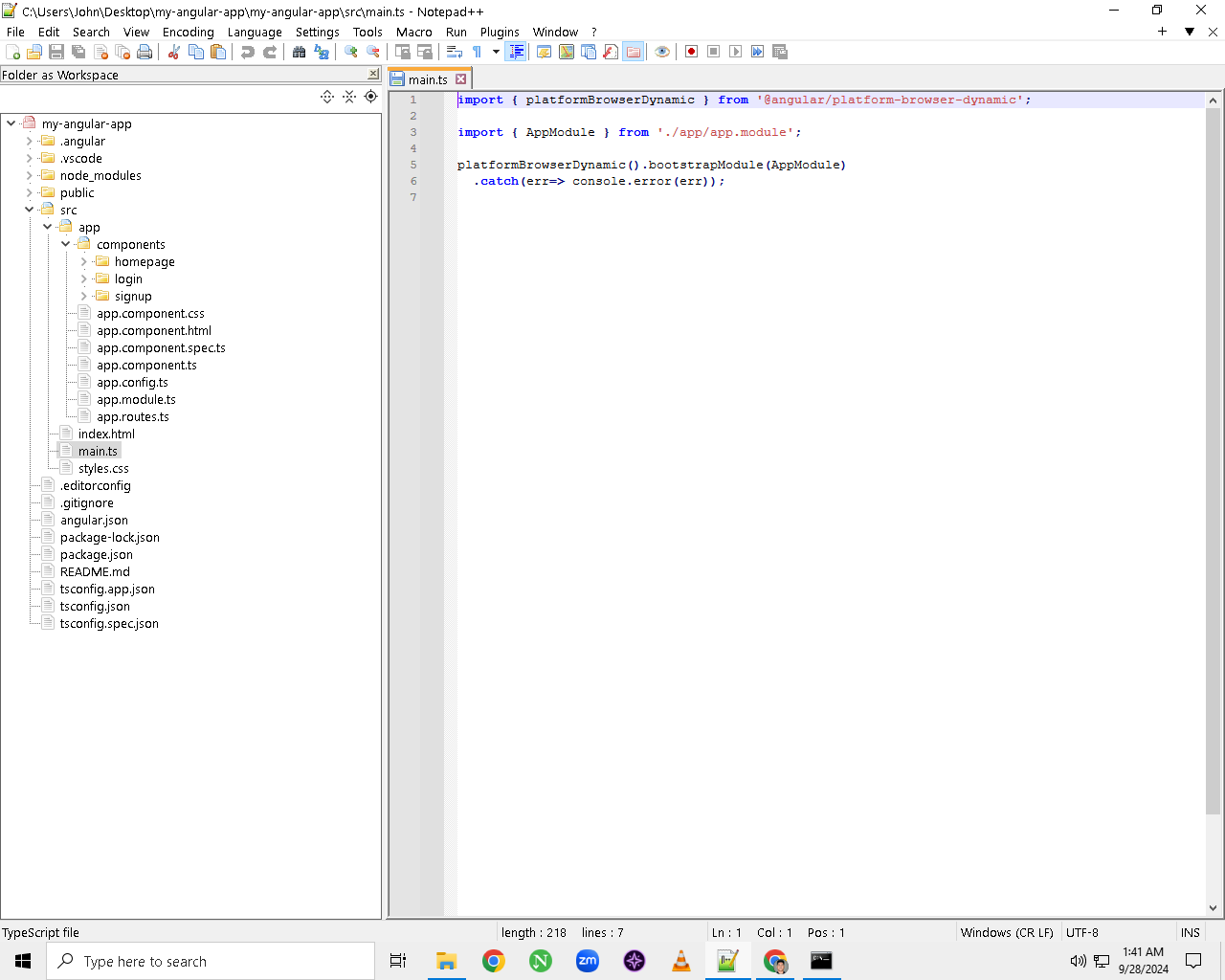
STEP 6: Update the
app.component.html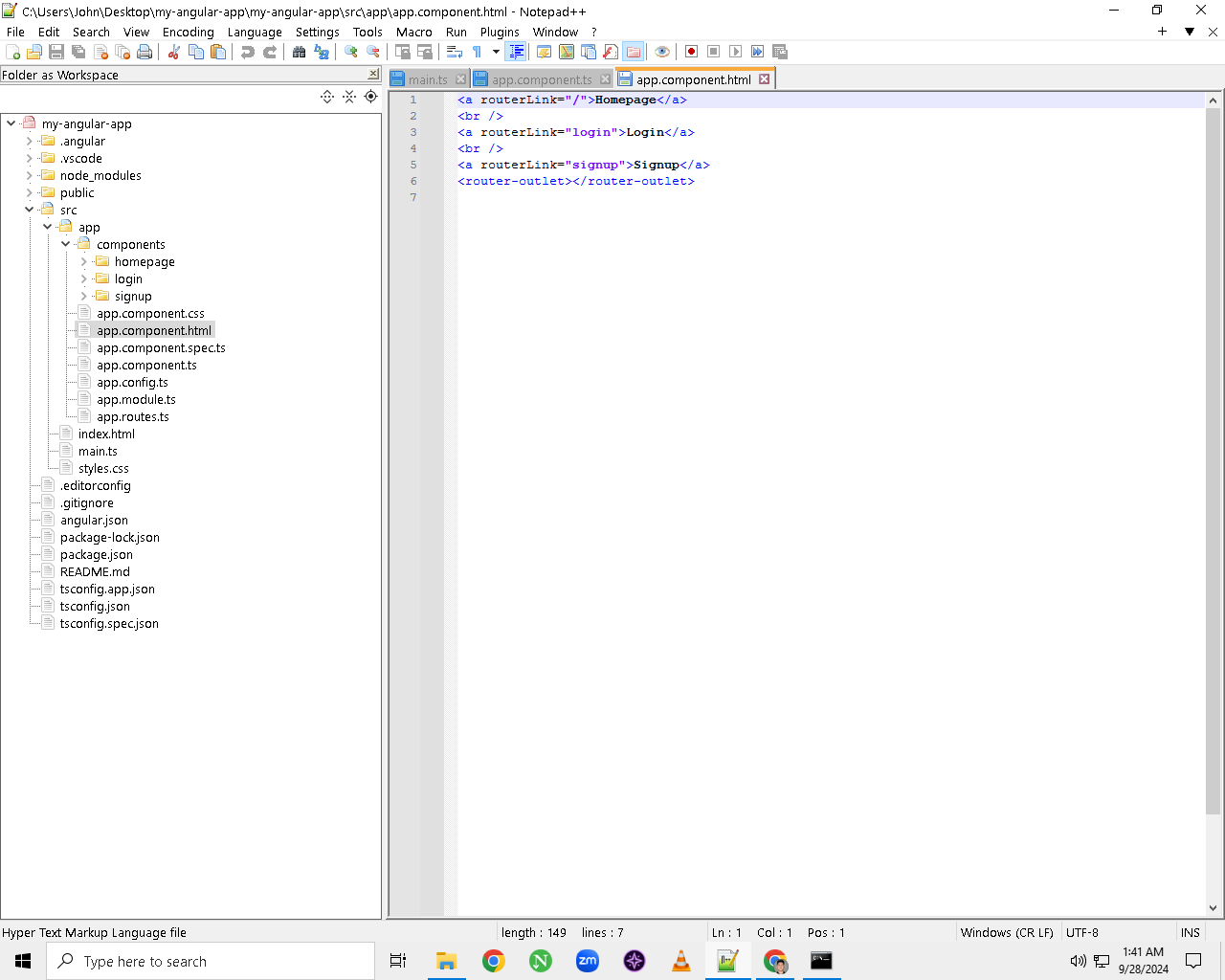
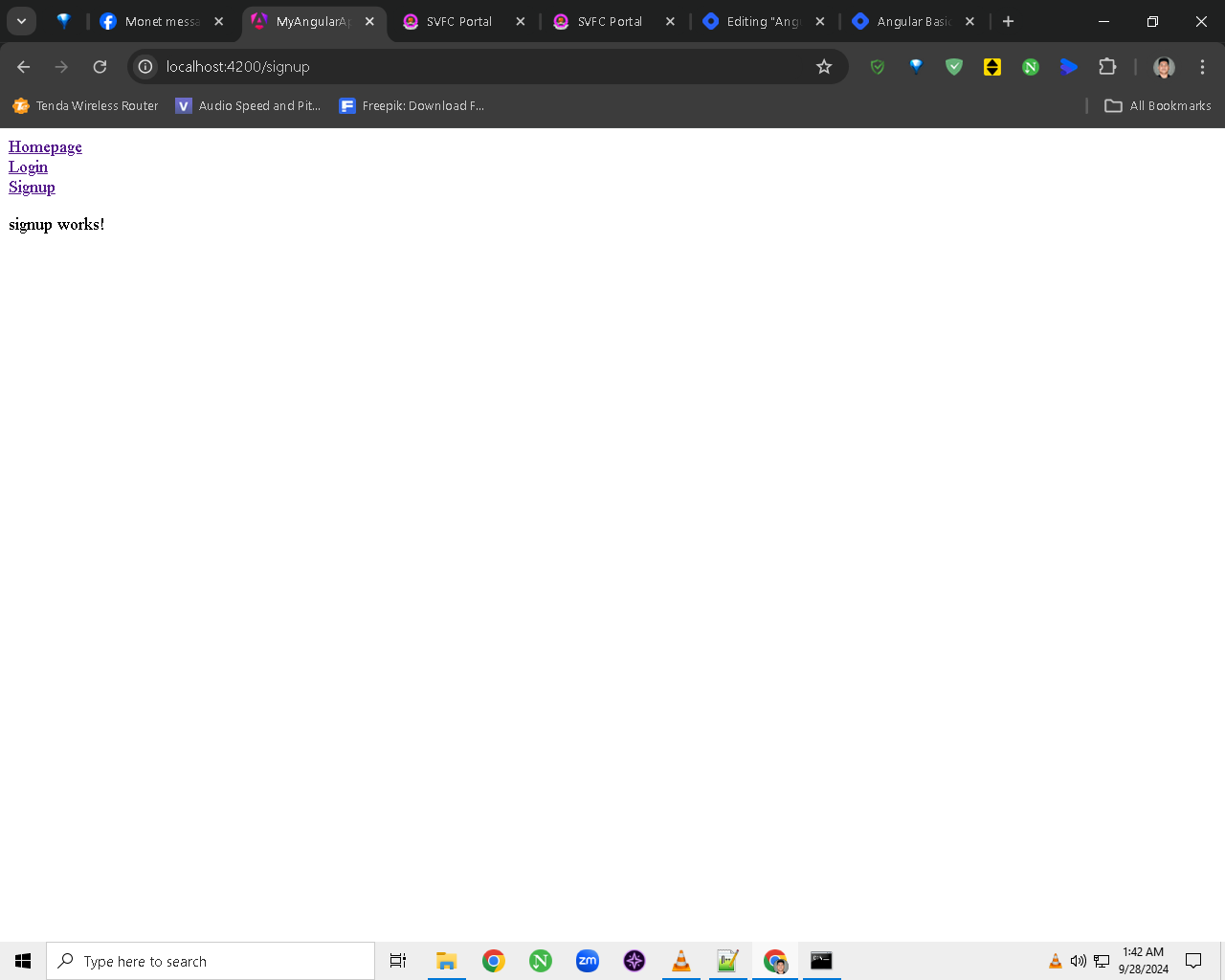
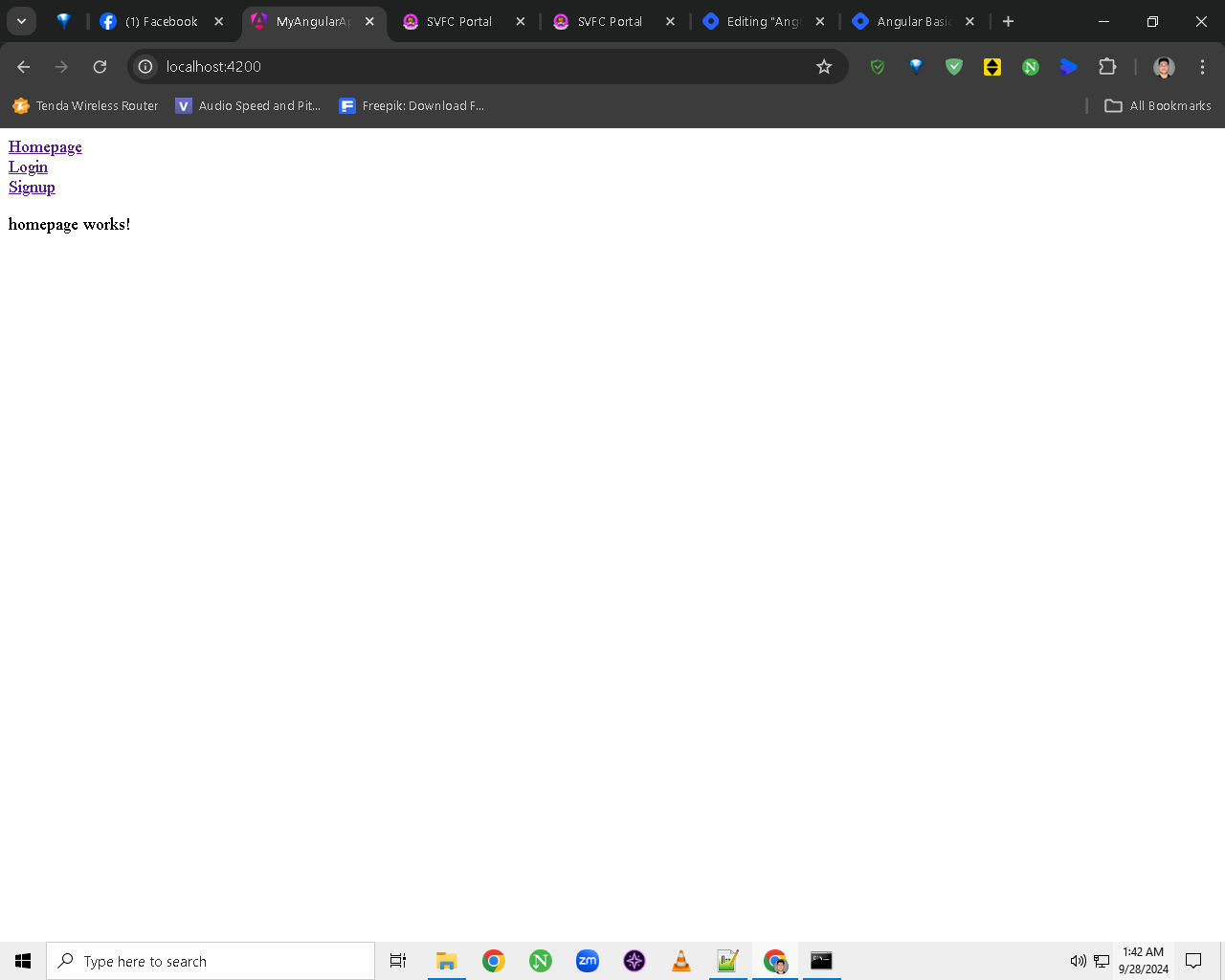
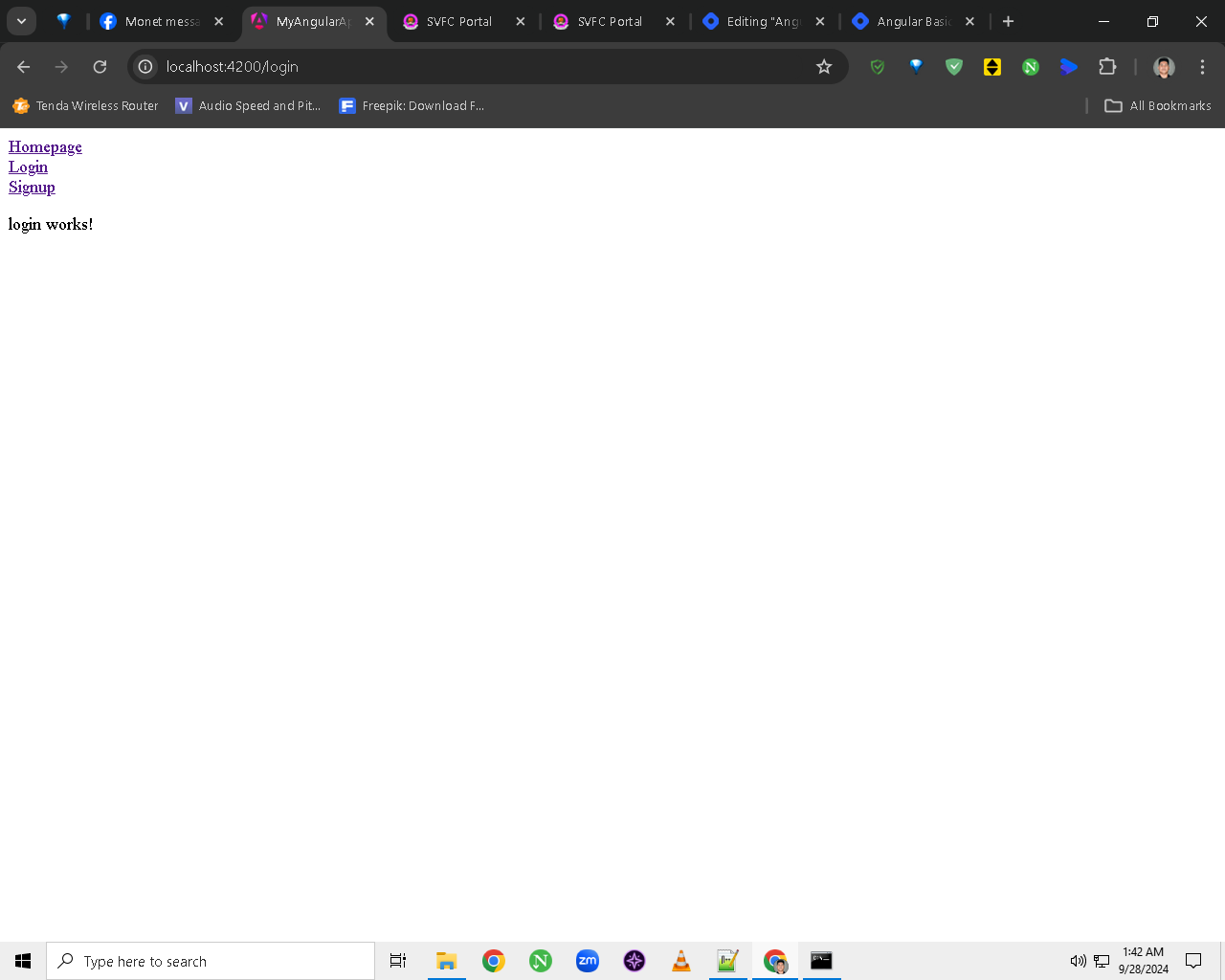
STEP 7: Output